


Where Can I Print Documents Near Me in Huntsville? A Simple Local Guide
Need a résumé, form, return label, presentation, or report printed? Here is what to know before submitting your file, plus a simple way to request a local print quote.
The printer always seems to know when you are in a hurry.
You have a résumé to bring to an interview, a return label that needs to go on a box, forms due tomorrow morning, or a presentation that looked perfectly fine on your laptop—until your home printer ran out of ink, disconnected from Wi-Fi, or started producing mysterious horizontal lines.
Sometimes you do not own a printer at all. You simply have a file on your phone or computer and need someone to turn it into clean, usable pages.
If that sounds familiar, the short answer is yes: you can print documents locally at DH Solutions in Huntsville. The store handles everything from a single page to larger document sets, in black and white or full color, with several paper and finishing options.
Already have the file ready? You can skip the back-and-forth and upload your file for a print quote. Add your instructions, and the team will review the job and contact you with pricing before printing begins.
Quick answer: DH Solutions is located at 7900 Bailey Cove Road SE, Suite 8A, Huntsville, AL 35802. It is open Monday through Friday from 8:00 a.m. to 7:00 p.m. and Saturday from 8:00 a.m. to 6:00 p.m. You can call 256-800-6844 or submit your file through the online print-quote page.
What kinds of documents can you print?
"Document" can mean very different things depending on the day. For one person, it is a single shipping label. For someone else, it is a 70-page training manual with dividers, binding, and a deadline.
Common document-printing requests include:
- Résumés and cover letters
- Applications and official forms
- Contracts, reports, and manuals
- School assignments and study materials
- Presentations and training packets
- Meeting agendas and business handouts
- Church programs and community-event materials
- Return labels and other downloadable PDFs
- Personal letters, records, and reference materials
DH Solutions can handle single copies as well as higher-volume jobs. That means you do not need to feel awkward walking in because you only need one page—and you also do not have to assemble 25 presentation packets by yourself at midnight.
Can I submit a file from my phone or computer?
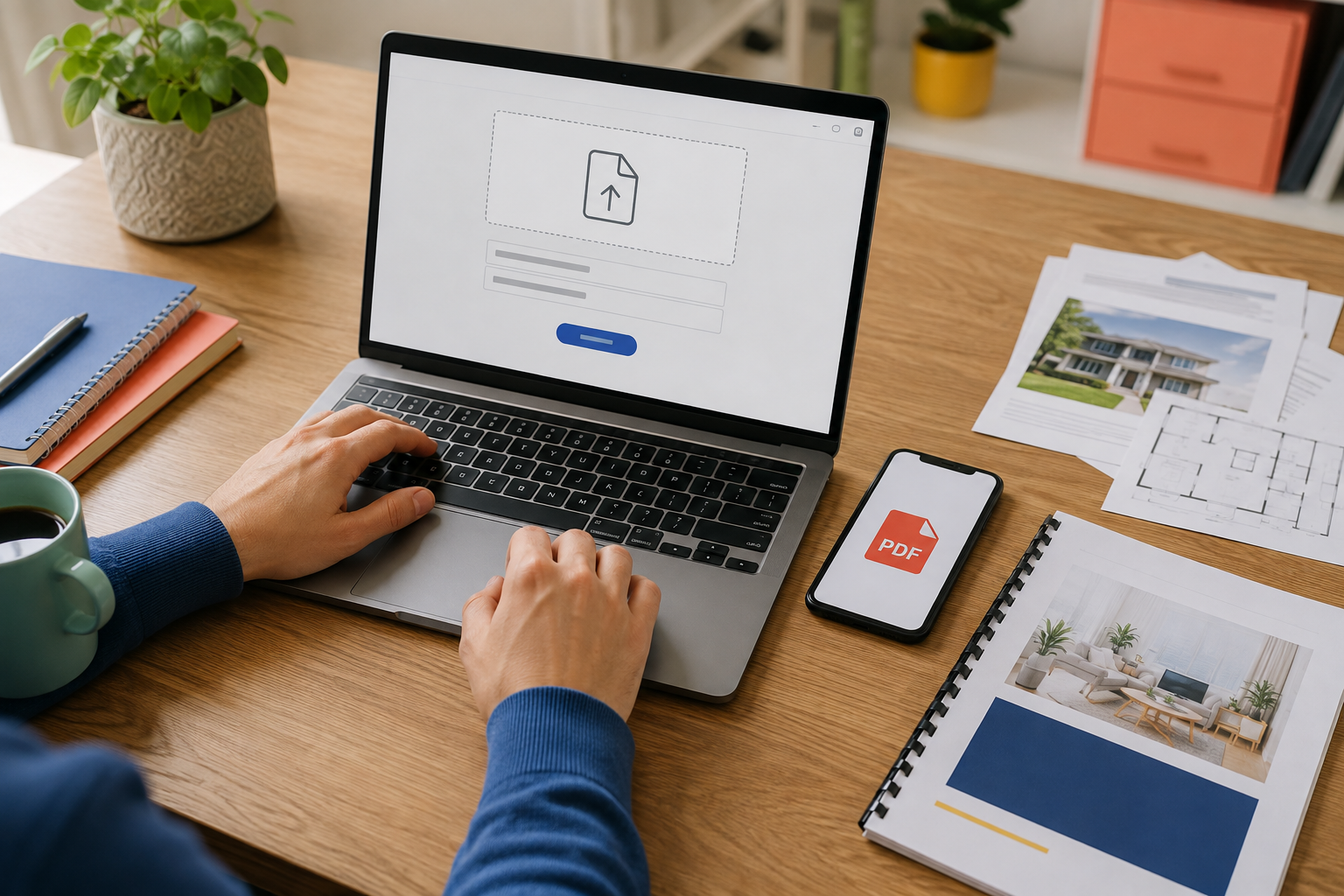
Yes. The easiest option is the online DH Solutions print-quote form.
The form accepts common formats including:
- Microsoft Word
- PowerPoint
- Excel
- PNG
- JPG
- TIFF
- EPS
You will also have space to explain exactly what you need: the number of copies, paper size, color or black and white, single- or double-sided printing, finishing, and your deadline.
The clearer those instructions are, the easier it is for the team to prepare an accurate quote. After reviewing the request, DH Solutions will contact you by phone or email with pricing. Nothing goes into production until you approve it.
When the order is finished, you pick it up at the Huntsville store.
PDF, Word document, or image—which file is best?
If you have the option, a PDF is usually the safest file to submit. PDFs are designed to preserve fonts, spacing, page breaks, and layout across different computers.
A Word document or PowerPoint file may still print correctly, but the appearance can change if the receiving computer does not have the same fonts or software settings. Before uploading, open the file and check:
- Are all pages present?
- Are any words or images cut off?
- Is the page orientation correct?
- Are the fonts displaying properly?
- Is the document already the size you want printed?
For an important résumé, presentation, program, or report, saving a final PDF can prevent an unpleasant surprise at pickup.
Should I choose black and white or color?
Black-and-white printing works well for text-heavy documents such as forms, contracts, class notes, manuals, and basic records. It is typically the practical choice when color does not add useful information.
Color is worth considering when the document contains:
- Photographs
- Graphs or charts that rely on color
- A company or organization's branding
- Color-coded instructions
- Promotional or presentation material
Do not assume an entire 50-page report must be printed in color because one page contains a logo. Mention what matters in your instructions and ask what options are available for the job.
What paper sizes and paper options are available?
DH Solutions lists three common document sizes:
- Letter — 8.5 × 11 inches: The standard choice for résumés, forms, reports, assignments, and everyday documents.
- Legal — 8.5 × 14 inches: Often used for contracts, legal forms, and documents that need additional vertical space.
- Ledger — 11 × 17 inches: Useful for spreadsheets, diagrams, folded booklets, menus, and pages that need more room.
Multiple paper stocks are also available. Standard paper is appropriate for most everyday jobs, while a heavier or more polished stock can make a cover page, presentation, certificate, menu, or client-facing document feel more substantial.
If you are unsure what to choose, describe how the finished piece will be used when you submit the file for a quote. "I need five copies of this report for a client meeting" gives the team more useful context than "print this."
Can printed documents be stapled, bound, folded, or laminated?
Printing may only be the first half of the job.
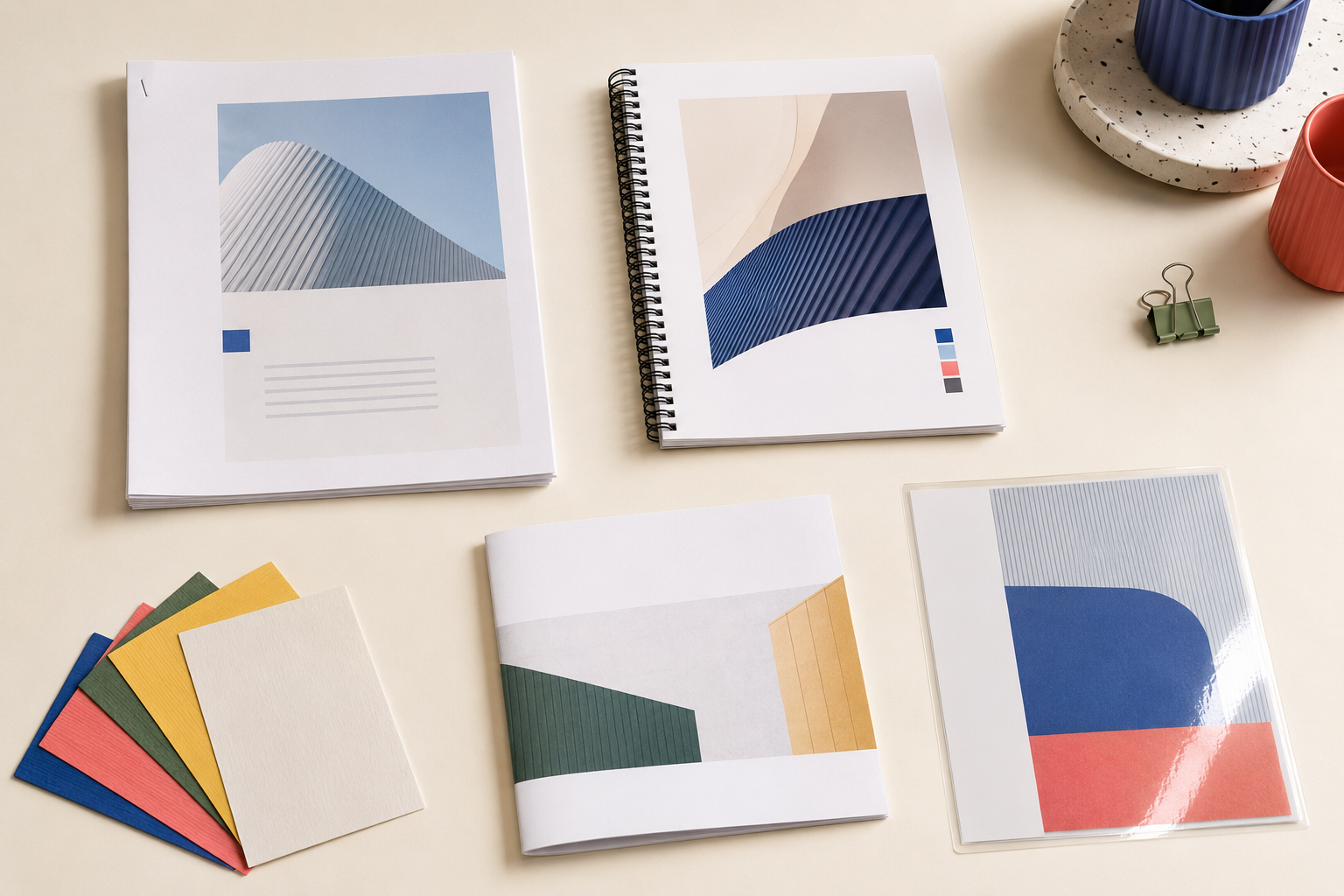
DH Solutions also offers document-finishing options including:
- Collating
- Stapling
- Folding
- Binding
- Cutting
- Laminating
Imagine printing five copies of a 30-page presentation. Without collating, you may receive separate stacks of page ones, page twos, and page threes. With collating and stapling, you receive five organized packets that are ready to hand out.
Binding can turn a collection of pages into a report, manual, or booklet. Laminating can help protect frequently handled materials such as instructions, menus, reference sheets, or signs. Folding and cutting can prepare printed pieces for display or distribution.
How much does it cost to print documents?
There is no honest one-price answer because printing costs depend on the job.
The main factors include:
- Number of pages
- Number of copies
- Black and white or color
- Paper size
- Paper stock
- Single- or double-sided printing
- Stapling, binding, laminating, or other finishing
- Required turnaround time
A one-page black-and-white form and 100 full-color bound presentations are both "document printing," but they are entirely different jobs.
That is why the most reliable next step is to upload the actual file and request a print quote. The form gives the team enough information to price what you genuinely need instead of offering a vague estimate that changes later. Quotes usually receive a response within one business hour, and there is no commitment until you approve the price.
What should I include with my print request?
Before pressing submit, run through this quick checklist:
- Final file: Make sure you uploaded the finished version—not "Final," "Final 2," or the draft from three revisions ago.
- Quantity: State how many complete copies you need.
- Color choice: Specify full color or black and white.
- Paper size: Choose letter, legal, ledger, or ask for guidance.
- Paper preference: Mention if standard paper is fine or if the document needs a heavier stock.
- Sides: Say whether you want single- or double-sided pages.
- Finishing: Request stapling, folding, binding, cutting, or laminating if needed.
- Deadline: Include the date and time you need the finished order.
One detailed sentence can cover almost everything:
"Please print five double-sided, full-color copies on letter-size paper, staple each set in the upper-left corner, and have them ready by Friday afternoon."
That is much easier to quote accurately than "How much to print this?"
What if I need more than ordinary document printing?
Sometimes the file on your screen is not really an everyday document. It might be a flyer, brochure, photograph, poster, banner, booklet, manual, business card, or custom project.
DH Solutions offers those services too, but each type of project has its own sizing, paper, resolution, and finishing considerations. Start with the Copy & Print Services overview if you want to explore the wider range of options.
If the file is ready and you already know what you want, you can still use the same print-quote form and describe the project.
Frequently asked questions
Can I print only one page?
Yes. DH Solutions handles single copies as well as larger print runs.
Can I make copies from an existing paper document?
Yes. The store provides copying services for physical documents, including black-and-white and full-color copies.
Can I upload more than one file?
Yes. The online quote form accepts multiple files.
What file types can I submit?
The form accepts PDF, Word, PowerPoint, Excel, PNG, JPG, TIFF, and EPS files.
Can my documents be printed double-sided?
Yes. Include "double-sided" in your print instructions when requesting the quote.
Can DH Solutions staple or bind my pages?
Yes. Available finishing services include collating, stapling, folding, binding, cutting, and laminating.
Will I know the price before my file is printed?
Yes. DH Solutions reviews the file and instructions, sends the quote by phone or email, and begins printing only after you approve it.
Ready to turn that file into something you can hold?
You do not need to fight with a printer, buy another ink cartridge, or wonder whether the library machine will cooperate today.
Upload your file and request a print quote. Tell DH Solutions what you need, review the pricing, approve the job, and pick up the finished order at 7900 Bailey Cove Road SE, Suite 8A in Huntsville.
Or call 256-800-6844 if you would rather speak with someone first.